On this page
The first time someone hands me a hygrometer and asks what the numbers mean, they almost always point at the wrong one. They read the temperature, nod, and skip right past the percentage that actually explains why their nose is dry or their windows are sweating.
That percentage is the whole point of the device. Learning how to read a hygrometer takes about five minutes, and once it clicks, you will never look at a foggy bathroom mirror the same way again.
What the two numbers on the display actually mean
Nearly every hygrometer shows two readings. The larger one, usually a percentage, is relative humidity, written as RH. The smaller one is the air temperature.
Relative humidity tells you how much moisture the air is holding compared to the maximum it could hold at that temperature. A reading of 45% means the air is at 45 percent of its capacity. It is not a measure of water in gallons; it is a percentage of a moving target.
Here is the part that trips people up. Warm air can hold more moisture than cold air, so the same amount of water in the room can read as 40% at 72 degrees and jump higher as the room cools at night. The water did not change. The capacity did.
The temperature number is context. The relative humidity number is the answer. When you glance at a hygrometer, read the percentage first.
Why temperature rides along with RH
Because RH depends on temperature, the two numbers are a pair. A basement that reads 65% at 64 degrees feels clammy for a reason: cool air near its capacity holds moisture close to your skin. Warm that same air and the percentage drops even though nothing was dried out.
This is why I tell people to note both numbers together. If you are comparing your bedroom to your living room, compare them at similar temperatures or the RH gap can mislead you.
Reading an analog dial without fooling yourself
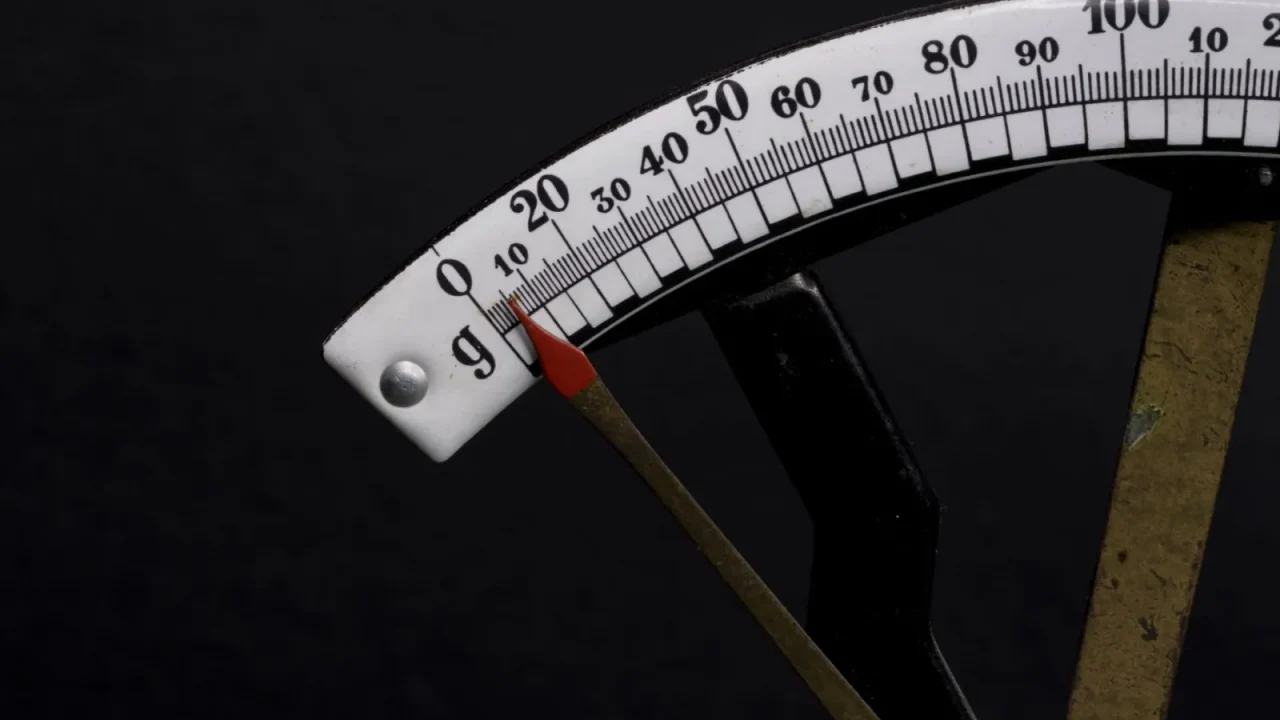
Analog hygrometers use a coiled metal or a moisture-sensitive material that swells and shrinks, moving a needle across a printed dial. They are charming, cheap, and a little slow.
The needle does not react instantly. Move an analog unit from a dry closet to a steamy kitchen and it can take 20-30 minutes to catch up. If you read it the second you set it down, you are reading the old room, not the new one.
Analog dials drift over months and years. If yours has a small screw on the back, that is a calibration adjuster, not something you touch during a normal reading. A dial stuck reading exactly 50% no matter the room is usually a dead unit, not a perfectly balanced home.
To read one well, get your eye level with the needle so you are not viewing it at an angle. Note where the tip sits against the printed scale. Most analog faces mark RH in 5 or 10 percent steps, so estimate between the ticks rather than forcing the needle onto the nearest printed number.
Reading a digital display and its extra features
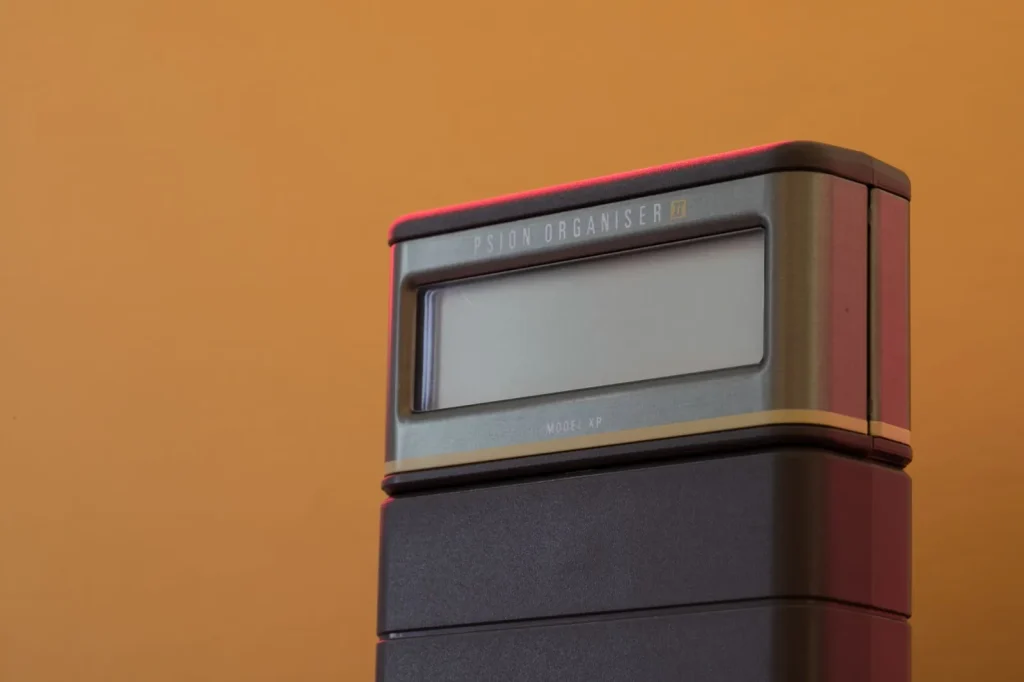
Digital hygrometers use an electronic sensor and refresh the number every few seconds to a couple of minutes. They are easier to read in low light and usually more consistent unit to unit.
Most digital models stack the readings: RH on top or in larger digits, temperature below. Some add a small icon, a smiling face or a droplet, that flags whether you are in a comfortable band. Treat that icon as a rough hint, not gospel, because the “comfort” range it assumes may not match yours.
Two features are worth finding in your manual:
- Min/max memory, which records the highest and lowest RH since you last cleared it. Great for catching an overnight spike you slept through.
- Trend arrows, small up or down marks that show whether humidity is climbing or falling right now.
A mistake I see all the time: someone reads a digital unit the instant new batteries go in, gets a wild number like 20% or 90%, and panics. Give it a few minutes. The sensor needs to settle just like the analog needle does.
What number you are actually aiming for
For most homes, the comfortable and healthy target is 40 to 50 percent relative humidity. You can stretch to 30-60% before real problems start, but the middle of that range is where skin, sinuses, wood floors, and sleep all tend to agree.
The EPA’s guidance on mold and moisture points to keeping indoor humidity below 60% to discourage mold growth, and ideally in the 30-50% band. Cross above 60% for long and you invite mold, dust mites, and that heavy summer stickiness. Drop below 30% and you get the dry-air complaints: cracked lips, static shocks, and stuffy mornings.
| RH reading | What it means | What to do |
|---|---|---|
| Below 30% | Too dry; static, dry skin, irritated sinuses | Run a humidifier; check for over-ventilation |
| 30-40% | On the dry side but acceptable | Fine in winter; nudge up if uncomfortable |
| 40-50% | The comfort sweet spot | Hold steady; nothing needed |
| 50-60% | Slightly damp; watch it in summer | Improve airflow; consider a dehumidifier |
| Above 60% | Too humid; mold and dust mite risk | Run a dehumidifier; find the moisture source |
Season shifts the target. In winter, aiming for the low 40s or even high 30s helps keep window condensation down, which is the heart of the Ideal Indoor Humidity in Winter question. In summer, holding at or below 50% keeps the muggy feeling away. Our Ideal Indoor Humidity guide walks through those seasonal swings in more depth.
A hygrometer does not fix your air. It just tells you the truth about it, so you can stop guessing and start adjusting.
Getting an honest reading from any hygrometer
Placement changes the number more than people expect. Set the unit at roughly breathing height, away from direct sun, heat vents, exterior doors, and the bathroom shower spray. All of those create a local micro-climate that is not the room you actually live in.
Give it time to acclimate. Whether analog or digital, 20-30 minutes in a stable spot gets you a reading you can trust. Then check it at the same time of day for a few days to learn your home’s real pattern rather than reacting to one odd number.
If two hygrometers in the same room disagree by more than 5%, put them side by side for an hour. The one that stays steady and matches a third reference is usually the keeper. Small differences are normal; large ones mean one unit is drifting.
One more habit worth building: read the trend, not just the snapshot. A single 55% reading is not alarming. A room that climbs from 45% to 58% over an evening is telling you moisture is building, maybe from cooking, drying laundry, or a slow leak. The number matters, but the direction it moves matters just as much.
Putting it to work tonight
Grab your hygrometer, set it at eye level in the room where you spend the most time, and leave it alone for half an hour. Then read the percentage first, the temperature second, and compare that percentage to the 40-50% target.
If you land in that band, you are done. If not, you now know exactly which direction to push, and you have a number to check your progress against instead of a vague feeling that the air is “off.” That single habit, reading the right number the right way, is what turns a cheap gadget into a genuinely useful tool.
Frequently asked questions
Which number on a hygrometer is the humidity?
The percentage is the humidity, shown as relative humidity or RH. It is usually the larger or top number on the display. The other reading, in degrees, is the air temperature. Read the percentage first, because it tells you whether the air is too dry, comfortable, or too damp. The temperature just gives that percentage its context.
What is a good hygrometer reading for a home?
Aim for 40 to 50 percent relative humidity in most homes. Anywhere from 30 to 60 percent is workable, but the middle of that range keeps skin, sinuses, wood, and sleep comfortable. Below 30 percent feels dry and static-prone. Above 60 percent invites mold and dust mites, so that is your signal to run a dehumidifier or improve airflow.
Why do my two hygrometers show different numbers?
Small gaps of a few percent are normal because sensors vary and each unit reacts to its exact spot. Place both in the same location for an hour and compare. If one stays steady and the other wanders, the wandering one is likely drifting out of calibration. Differences larger than about 5 percent usually mean one unit needs recalibrating or replacing.
How long does a hygrometer take to give an accurate reading?
Give it 20 to 30 minutes to acclimate after you move it to a new spot. Analog dials are slow because a physical needle has to shift, and digital sensors need a few minutes to settle too. Reading either one immediately shows you the old environment. For a reliable picture, check at the same time of day across several days.
Does temperature affect the humidity reading?
Yes, and that is why both numbers appear together. Relative humidity is measured against how much moisture the air could hold at its current temperature. Warm air holds more, so the same moisture reads as a lower percentage when warm and higher when cool. That is why a cool basement can read damp even though the actual water content has not changed.
Is an analog or digital hygrometer better for reading humidity?
Digital units are usually easier to read and more consistent, and many add min/max memory and trend arrows that help you catch overnight spikes. Analog dials are cheaper and need no batteries but respond slowly and drift over time. For everyday use where you just want a trustworthy number at a glance, a digital hygrometer is the simpler choice.

Dharm Solanki
Dharm Solanki spends a lot of time thinking about the air inside people's homes, usually when no one else is. He writes about humidity, ventilation, and dehumidifiers, along with the small fixes that turn a stuffy or damp room into one that feels comfortable again. He would rather explain why a recommendation works than just point at a product, so his guides tend to answer the question you were about to ask next. And if something looks great on paper but struggles in a normal house, he says so.